Once tracking is done, we can move on to cleaning up that data and extracting useful information.
Outlier removal
Section titled “Outlier removal”Outlier removal is the process of removing data points that are outside of the expected norm and therefore likely errors or noise. Tacty provides two ways of doing this.
Detect by speed removes points that are going too fast, and requires no special markers to be used.
Detect by kinematic constraint is a more tailored method that removes fingers that get too close or too far from the palm, moves that are anatomically impossible. This feature requires palm markers to work.

Fill missing data
Section titled “Fill missing data”Sometimes data might be missing for a few frames due to tracking failure or being removed by outlier removal.
Enabling Fill gaps using interpolated data will use linear interpolation to get rid of gaps. An optional limit can be imposed on the maximum duration of data to be added (using 0 means no limit).

Areas of interest
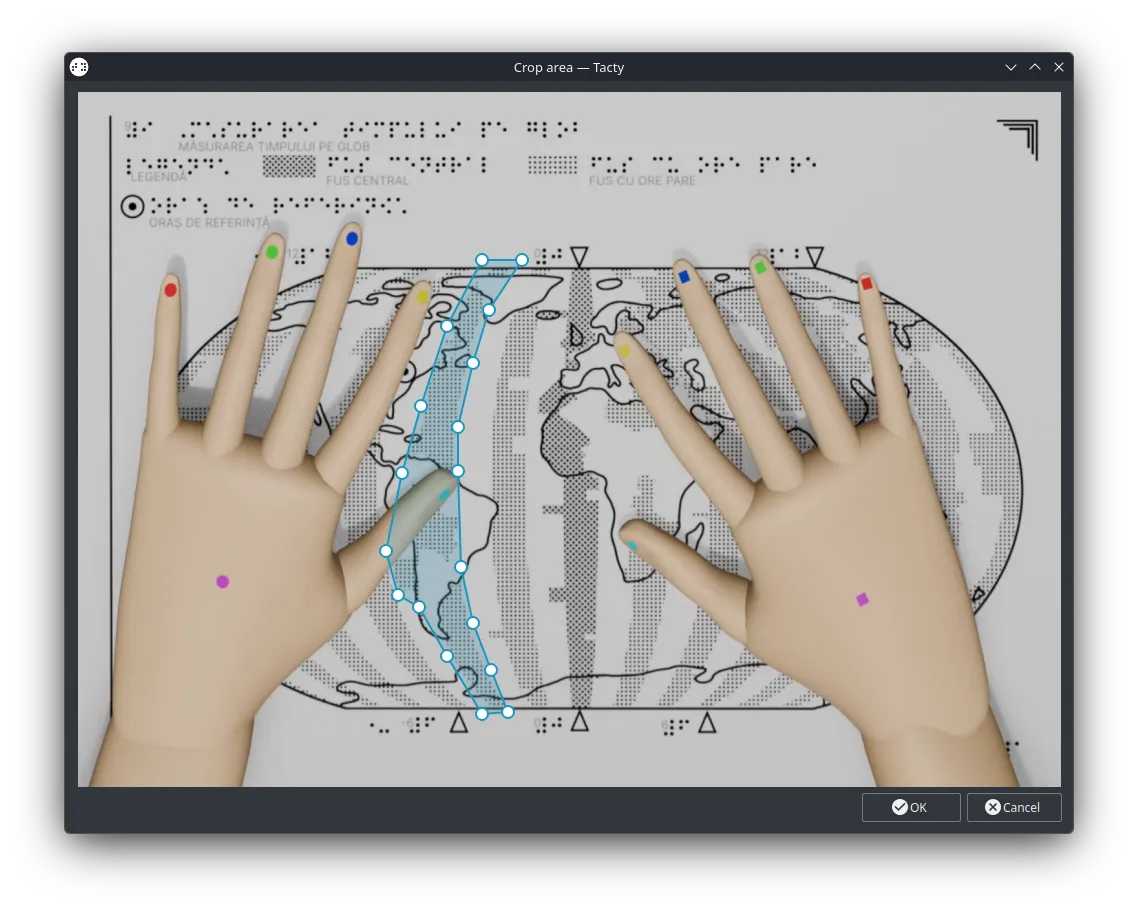
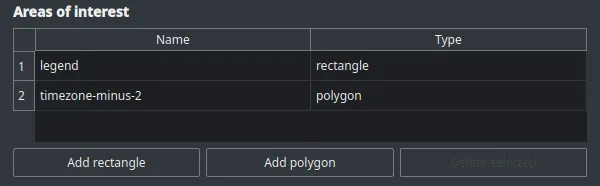
Section titled “Areas of interest”Areas of Interest are defined areas where the software will keep track of the fingers present in them for each frame. They can be used to analyze how effective those areas are at transferring information or grabbing attention.
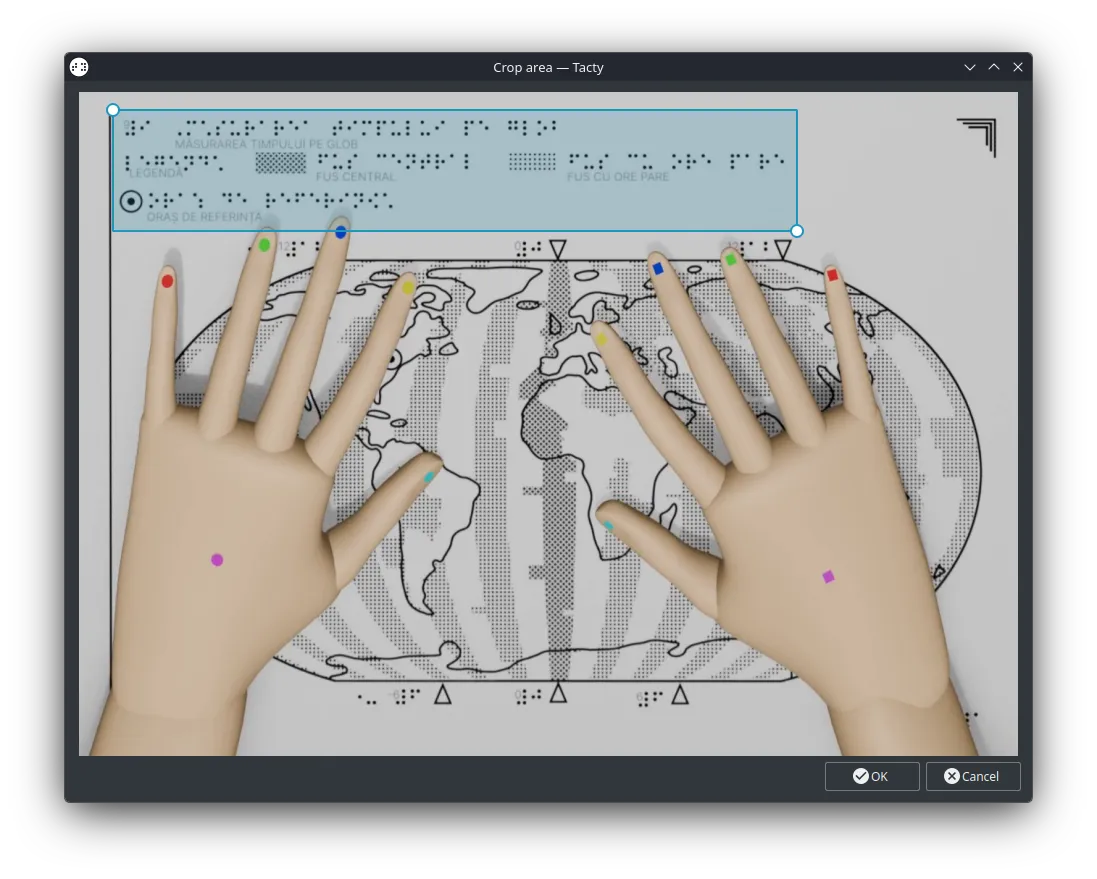
Rectangular AOIs are defined interactively by moving their upper left and lower right points.
Polygonal AOIs are defined with the use of a special pen tool. In this mode you can:
- left click on the image to add new points,
- left click on a point and drag to move it around,
- left click again on the initial point to close the loop,
- right click on a point to remove it.
Once the area is closed new points can no longer be added, but existing points can still be dragged around or removed freely.