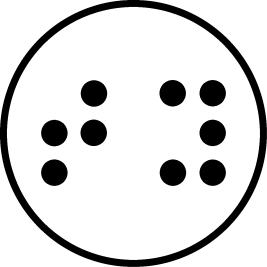
Preparing stickers
Section titled “Preparing stickers”The first and most important step is applying up to 12 stickers on the hands of the participant, 10 on fingers and 2 on the back of the palms. The 12 stickers are obtained by combining the 6 primary and secondary colors (red, green, blue, yellow, cyan, magenta) with 2 distinct shapes (circle, square).
It’s recommended to use stickers between 6mm and 10mm in order to be as visible as possible while still fitting the fingernail. The stickers can be applied in any order, but in order to avoid having to configure the software later it is recommended to stick to the default placement illustrated below. Make sure the stickers are attached strongly and won’t fall off.
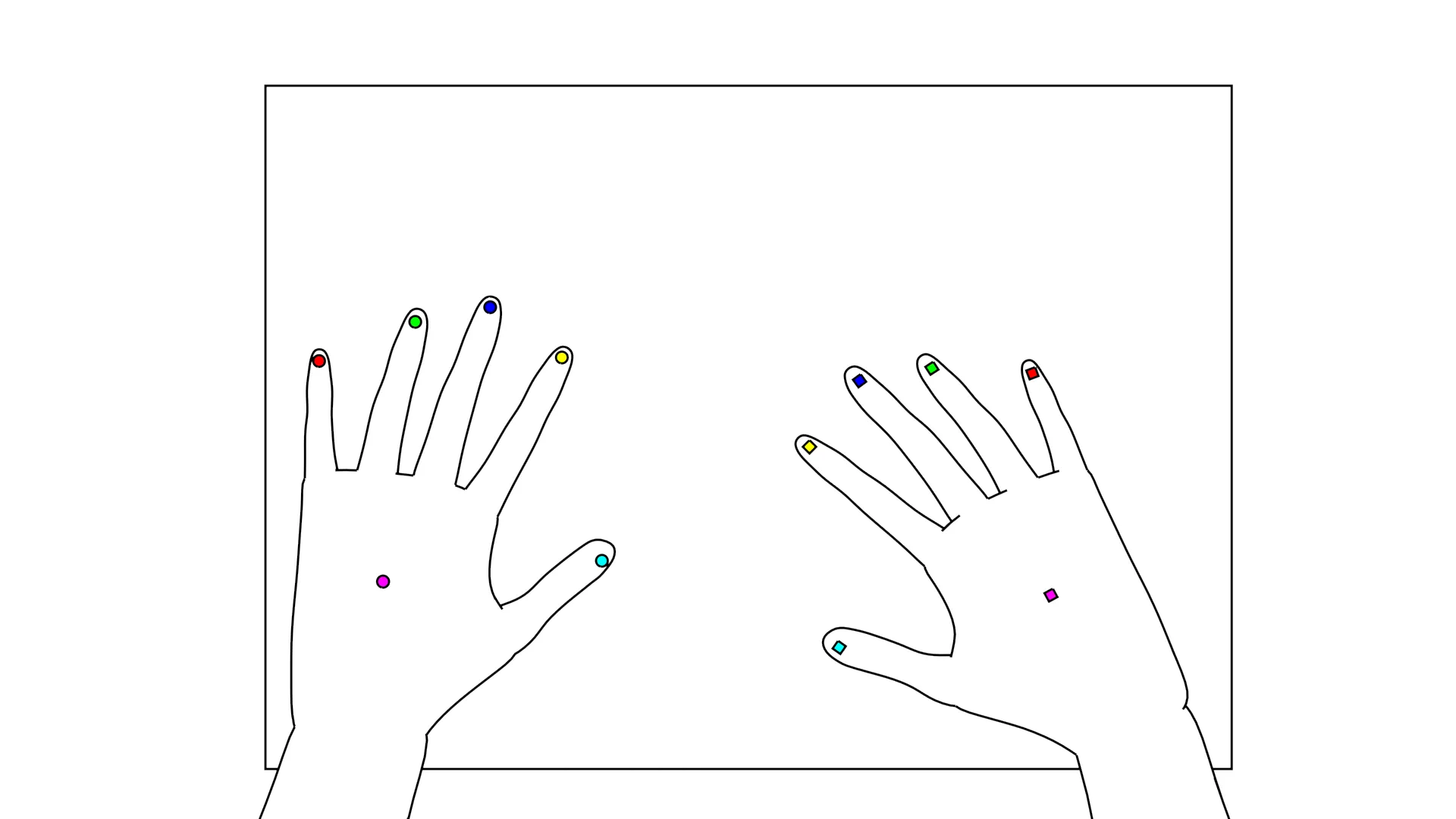
Preparing the environment
Section titled “Preparing the environment”No computer is required on-site during the recording phase, only a video capture device such as a webcam, video camera or even a phone. It is essential that both the video capture device and the paper be securely mounted (such as putting a camera on a tripod and taping the edges of the paper to the table), since any movement ruins with the tracking process. The ideal angle is top-down, but the software will use perspective correction to fix off-axis footage. An example recording environment is illustrated below.
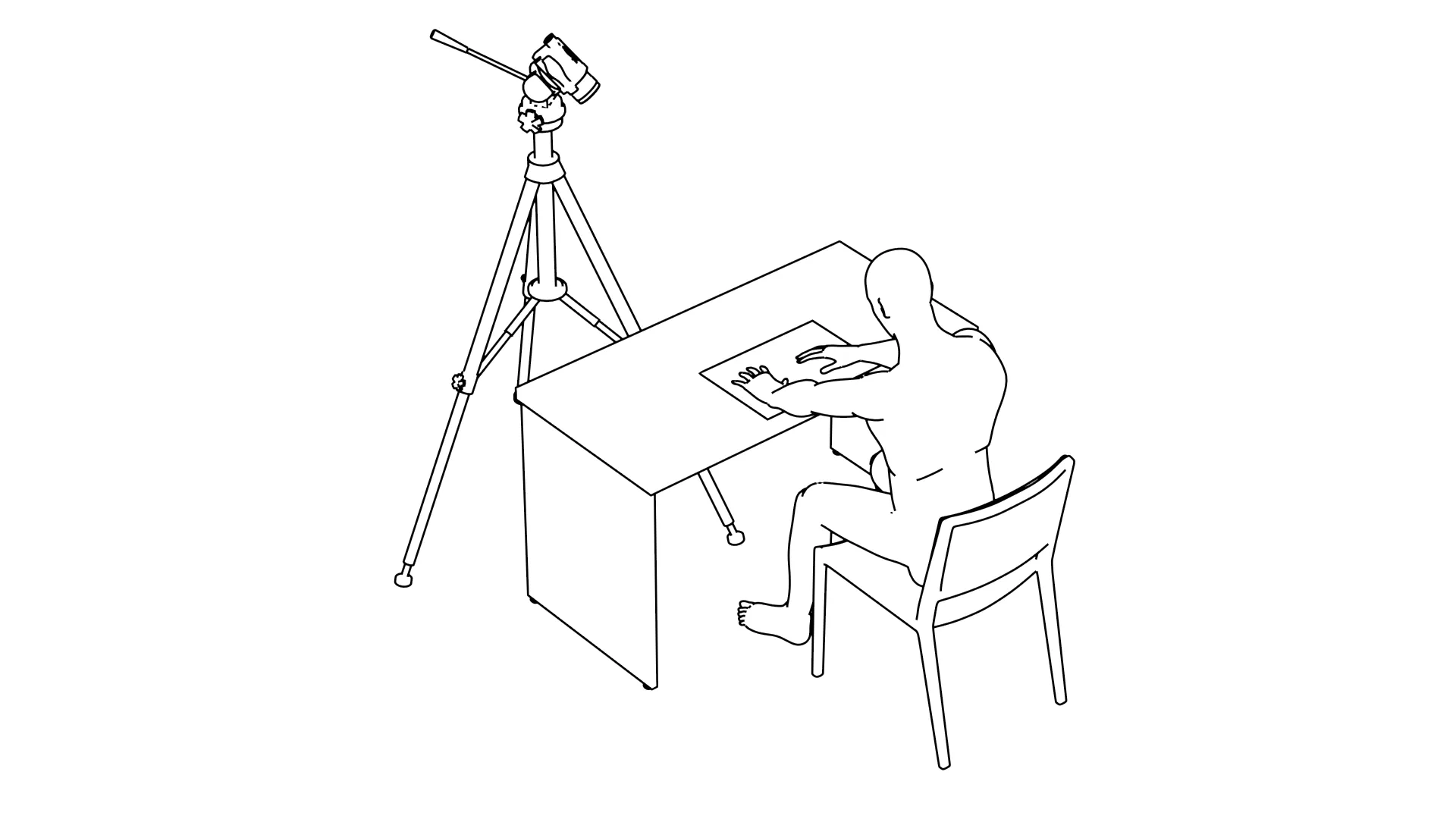
The color of the table and map do not affect the tracking due to the background removal phase, but muted colors are still suggested where possible. Importantly, the participant must not wear long sleeved colorful shirts. For such cases, it is recommended to have access to a neutral color coat they can use to cover the sleeves, or ask them to fold them.
Recommended camera settings
Section titled “Recommended camera settings”We recommend a resolution of at least 1280x720px when using A4 paper, and 1920x1080px for A3 paper. This is because the larger the paper is, the smaller the sticker appears in frame and the less pixels it gets.
Any framerate will work but we recommend using at least 15fps to properly capture every movement. Regardless of the framerate it is important to use the fastest shutter speed your light allows for as motion blur can negatively affect tracking.
Any settings that affect the brightness of the scene (aperture, shutter speed, iso) must be locked during recording. Make sure to also set an accurate white balance and most importantly lock it during recording.
Finally, it is important to start recording before the subject touches the map. This way you have a section without hands at the beginning of the video, which can be used for background removal.